VSAN – Parte Dos

Así que ahora es el momento de “ensuciarse las manos”. Cuando hago un proyecto, por lo general vivo por la 7PS. ¿Que es eso? 7PS en Ingles es un acronym que significa Planificación Antes adecuada evita “Lamentable” bajo rendimiento … algo asi. Pero de todos modos, creo que la atención al detalle es importante durante la fase de planificación de cualquier proyecto. Usted no quiere comprar servidores para VSAN sólo para averiguar durante la instalación que el hardware no es una configuración compatible.

Desde que empecé a bajar las especificaciones de hardware, vamos a profundizar un poco más. En primer lugar, debe estar familiarizado con los requisitos para VSAN.

Por lo menos un dispositivo flash (SSD) por host
Al menos un disco duro por host
Un dispositivo de arranque – ¿Podría ser USB, tarjeta SD o disco duro. Sin embargo, si se utiliza un disco duro, no se puede asignar este dispositivo para el almacén de datos VSAN. Yo personalmente prefiero usar USB o tarjeta SD.
Si el uso de tarjeta de memoria flash USB o SD card, tiene que ser por lo menos de 8 GB. Esta instalación no está soportado si anfitriones tienen más de 512 GB de memoria. Más información sobre la instalación del USB aquí.
Controlador de almacenamiento anfitrión debe ser capaz de modo de paso directo o JBOD. Esto significa, ser capaz de salir de sus unidades sin RAID.
Por lo menos un 1 GB dedicado NIC para VSAN por host. Se recomienda 10 GB.
Al menos 3 anfitriones para el cluster VSAN. Sí, eso es correcto, para fines de redundancia.
Al menos 6 GB de memoria por host.
Además de esta lista, asegúrese de comprobar la VSAN HCL aquí.

Requisitos de software son tan importantes como los requisitos de hardware para VSAN.

Se requiere servidor vCenter
Puede ser basada en Windows o Appliance (VCSA)
versión de vCenter Server debe ser 5.5 U1 o posterior
Se requiere ESXi 5.5 U1 como mínimo
Obviamente, usted necesitará las licencias y el apoyo adecuados.
Nota al margen: Hay muchas soluciones listas VSAN de diferentes proveedores, revise esta lista. Esto le ahorrará algo de tiempo en lugar de construir su propia solución. En mi caso, quiero volver a utilizar el hardware existente en mi solución VSA está ejecutando en, así que voy a actualizar / añadir un poco de hardware.

Volver a la actualización.

Yo tengo un VSA con 2 HP DL360p G8s con 6 discos duros cada uno, así que compré un tercer servidor idéntico a los otros dos. Estoy básicamente corriendo una solución lista VSAN que puse juntos sobre la base de la guía de compatibilidad de VMware. Durante mi etapa de planificación, me di cuenta de que necesitaba obtener unidades SSD. Así que me fui a la tienda local y cogí unos pocos … Sólo bromeando. Por supuesto que me revisé el HCL !!!

Después de comprobar la matriz de HCL y compatibilidad, me encontré con un par de opciones. No necesariamente el más barato, por lo que a fin de mantener los costos bajos compré 3 discos SSD (1 por alojamiento). También me enteré de que las unidades USB que tengo instalado en VSA están a menos de 8GBs, así que me voy a comprar una tarjeta de memoria flash SD para cada host para instalar ESXi en.

Así que eso es bastante para mi planificación de hardware. Comprobé el adaptador de almacenamiento, y los G8s DL360p tengo, vine con el controlador Smart Array P420i, así que estoy bien allí. Oh, espera, sólo tengo 1GB NICs y los que será utilizada para el tráfico de prod. Parece que voy a ser la compra de tarjetas de red, así, por suerte los que son baratos. Eso habría de hacerlo para el hardware, y yo tengo todas las licencias y el apoyo necesarios.

Voy a configurar todo el hardware y estaré de vuelta con la Parte 3.

VSA – EOL (VSAN Parte 1)

Adiós VSA.

Como algunos de ustedes saben, VMware VSA ha pasado fin de la vida a partir de abril de 2014. Esto se aplica a todas las versiones de VMware vSphere Storage Appliance. Esto no significa que usted tiene que dejar de usar VSA … al menos no de inmediato.

Siempre y cuando usted tenga un contrato de soporte activo para VSA de VMware, usted todavía tiene derecho a ponerse en contacto con el apoyo en relación con cualquier problema. Sin embargo, ya no se puede comprar VSA. Entonces, ¿qué es exactamente lo que significa esto para aquellos de nosotros que tenemos VSA en nuestros ambientes? ¿Ahora que?

No hay remplazo de VSA, pero hay una alternativa mejor. Sí, he dicho mejor. Ingenieros de VMware tomaron el concepto de VSA y crearon una solución mucho más robusta. La solución nueva y mejorada se llama VSAN o SAN virtual. No estoy diciendo que por cualquier medio que VSAN se construye en el código de VSA, estoy diciendo que comparten casos y soluciones de uso común. Lo último que supe, VMware tiene un SKU para pasar de VSA a VSAN.

VSAN es solución de almacenamiento de software de VMware-diseño que permite el uso de almacenamiento local y aprovecha dicho almacenamiento no sólo para los propósitos de capacidad, sino también para las ganancias de rendimiento. VSAN cachés lee / escribe utilizando el flash del lado del servidor. Hay muchos documentos sobre VSAN y sus casos de uso. He incluido un par de links de otros blogs sobre VSAN.


Así que, mientras que no hay un camino para la actualización directa, hay una manera de mantener su hardware existente, siempre y cuando su hardware cumple los requisitos de hardware VSAN, y transformarlo en su nueva solución VSAN. Estoy en el proceso de hacer esto en este momento, así que voy a publicar pasos que voy ha hacer través de este proceso.

Mientras tanto, puede encontrar mas información en estos links :

http://www.punchingclouds.com/
http://www.yellow-bricks.com/virtual-san/
http://www.vmware.com/products/virtual-san/
Continuará…

Cisco UCS: The Mighty MINI

mighty_mouseCisco UCS servers are not new, but many people have looked the other way simply due to the fact that Cisco, a network company, was making servers. When it comes to scalability, ease of deployment and automation, Cisco UCS is the way to go. I’m a huge fan of UCS, even a bigger fan of FlexPod; which is the joint solution that Cisco and NetApp developed The other reason why some companies have not looked into UCS is due to its Enterprise targeted market.

Cisco was smart enough to put together a similar solution for remote offices and small/medium businesses. Meet the Cisco UCS Mini. The Mini is not new either, but many people are not aware of such solution, so I’m here to do justice to the Mini.

The UCS mini, is not a miniature version of Cisco UCS, but rather a more converged design to save rack space, energy and still deliver enterprise grade capabilities through Cisco UCS Manager. There are very little differences between UCS and UCS mini. Mainly it relates to the networking piece of it, and some scalability limitations.

The traditional Cisco UCS is composed of a Cisco 5108 chassis, blade servers, and external Fabric interconnects among other components. The Fabric interconnects are pretty much Cisco Nexus switches with UCS manager software on them. You connect one or more chassis to the Fabric Interconnects in order to scale without having to deploy an entire new solution. In UCS Mini, there are no external Fabric Interconnects. These components are moved within the same Cisco 5108 blade chassis, and still act as the brain of the solution via UCS Manager.

CIsco_UCSCisco UCS with external Fabric Interconnects


Cisco_UCS_MINI

Cisco UCS Mini with internal Fabric Interconnects

The price point for the UCS Mini is much lower than its big brother. So if you are not looking to add several chassis in the near future, the Mini may be a way to get started with this awesome technology. I’m not going to go into details about the capabilities of UCS, maybe on another post, but I do want to highlight that the UCS Mini is an excellent solution for smaller environments. Don’t get me wrong, you can still have up to eight half-width blades (B200) or even the full-width blades (up to four), you can even attach a C-series rack server (pizza box) to the UCS Mini, so you can have tons of horse power here. You still get 1/10GB, FCoE, FC, for a max of 500 Gbps of throughput. So there’s nothing mini about the Cisco UCS Mini, in my opinion.

#VMworld2015 Day 2

Day2Day 2:

No Donald Trump on stage… just a rumor.

Some of the highlights for today’s General session:

AirWatch – Windows 10 is capable of being managed by AirWatch. This partnership will simplify mobility and ensure security on mobile devices.

Project A2 was introduced at VMworld. A2 stands for AirWatch and AppVolumes. Learn more here.

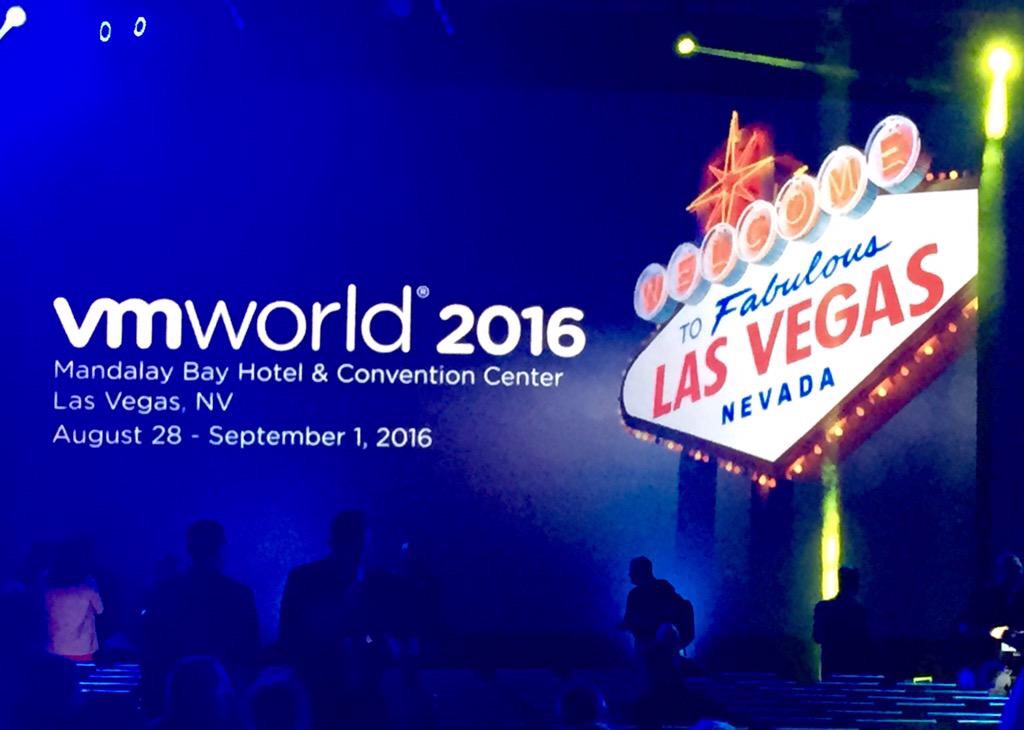
Maybe it was me, but the keynote was missing more content. They did announce the venue for VMworld 2016, which would be at the Mandalay Bay in Vegas, August 28 to September 1, 2016.

Sessions were really good…


VMworld2016


#VMworld2015 Day 1

Day1Finally here. The place were a lot of geeks get together.

This year at VMworld 2015, there are over 23,000 attendees and over 50,000 people watching from home,

Here are some of the highlights from the General Session”

Run, build, deliver, and secure That is what VMware is committing to provide customers through the delivery of a true hybrid cloud, where apps of any kind can co-exist.

Freedom, Flexibility, Choice – VMware’s commitment.

One Cloud – Private, public, managed. Unified Hybrid cloud. Think of this a as a single pane of glass to manage all of your clouds from one location.

VMware EVO SDDC Manager – Zero to SDDC in 2 hours. All resources are out together to form a virtual Rack.

Cross cloud vMotion was one of the main announcements. Being able to vMotion a VM that is powered on to vCloud Air without downtime. Pretty cool feature if you ask me. Obviously, you can always move the VM back to your private cloud.

Sessions we pretty good, and there were a lot of parties going on at night. Great way to meet fellow geeks and increase your network.

The VMUG group had a reception for all the VMUG Leaders, so it was nice to finally meet in person some of the other leaders.

Also attended the vBrisket party. Awesome groups of people to be around with.

Stay tuned for more…